
Welcome New Students!
Congratulations on your acceptance to Bon Secours Memorial College of Nursing (BSMCON). Now that you have accepted your offer of admission, be sure to continue following the items on your "New Student Checklist" listed below. This page will serve as a resource throughout your journey to the first day of class, with reminders and information you need to know.
Note: This page is for new students and is only updated twice a year.
Questions? Reach Out To:
Julie Semo, MEd
Student Onboarding Coordinator
Email: Julie_Semo@bshsi.org
Or review the contacts listed at the bottom of the page.
New Student Checklist
- Celebrate! Share this moment with your family, friends and supporters.
- Review the information on this page.
- Respond to your offer in your application portal here by May 14.
- Start the financial aid process by submitting the 2025-2026 FAFSA as soon as possible.
- Purchase your MyCB CastleBranch account and start clinical compliance onboarding.
- More information can be found here: CB New Student Onboarding
- Review:
- Technology Requirements
- Financial Aid (below)
- Academic Calendar & Catalog
- Patient Care Tech (PCT) Trainee program information here (if interested)
- Policies
- ACA 1.03 Clinical Compliance Requirements
- ADM 3.09 Transcripts
- ADM 3.10 Transfer Credit
- ACA 1.04 Nursing Student Dress Code
- ACA 3.05 Nursing Program Attendance
- BSN Curriculum Plan
- Save these dates:
| Respond to your offer | May 14 |
| Deadline to purchase DISA CastleBranch MyCB account | May 19 |
| Deadline to login to College email and Student Portal College emails sent from Jason_Smith@bshsi.org (check your spam if you do not receive this within 2 business days of accepting your offer of admission) | May 27 |
| New Student Employment Opportunities: Read this if you would like to apply for student jobs right away! | |
| Attend Welcome Session at BSMCON - sign up for date and time here | June 9 June 11 |
| Deadline to Purchase Uniforms from Scrubin (minimum cost - $125.00) | June 12 |
| CastleBranch Requirements due | June 30 |
| IT Day time slot assignment sent to College email | |
| Campus Connections and IT Day information sent to College email | |
| Deadline to submit official transcripts | June 1 |
| Deadline to complete Online Readiness Survey | August 4 |
| Deadline to complete Student Success Survey | August 4 |
| Attend Campus Connections and IT Day at BSMCON | August 5 |
| Deadline to Pay Student Bill | August 7 |
| Term begins | August 10 |
Technology Requirements
Review all Technology requirements here: BSMCON Technology Requirements
BSMCON Standard Technology Initiative
BSMCON has implemented a Standard Technology Initiative in which all incoming Pre-Licensure BSN students are required to utilize a BSMCON-issued laptop computer to complete the academic program. BSMCON decided to implement this initiative to ensure that all students have adequate and standardized technology resources to support a hybrid learning environment, academic programming, remote testing capabilities and continuity of Information Technology (IT) support.
The cost of the laptop will be added to your Registration Bill, and you will pick up your laptop at the IT session.
Financial Aid
Start financial aid process by submitting the 2025-2026 FAFSA as soon as possible at: https://studentaid.gov/h/apply-for-aid/fafsa. A FAFSA is required for using Federal Financial Aid. (Federal Direct Loans and Federal Pell Grant), Scholarships, and the BSMH Guild Tuition Benefit (for Bon Secours employees).
- BSMCON School Code: 010043
After you submit your FAFSA, reach out to your Financial Aid Counselor, Kathy Welsh, to schedule a Financial Aid Counseling Session. You will meet with Ms. Welsh to review a personalized financial plan.
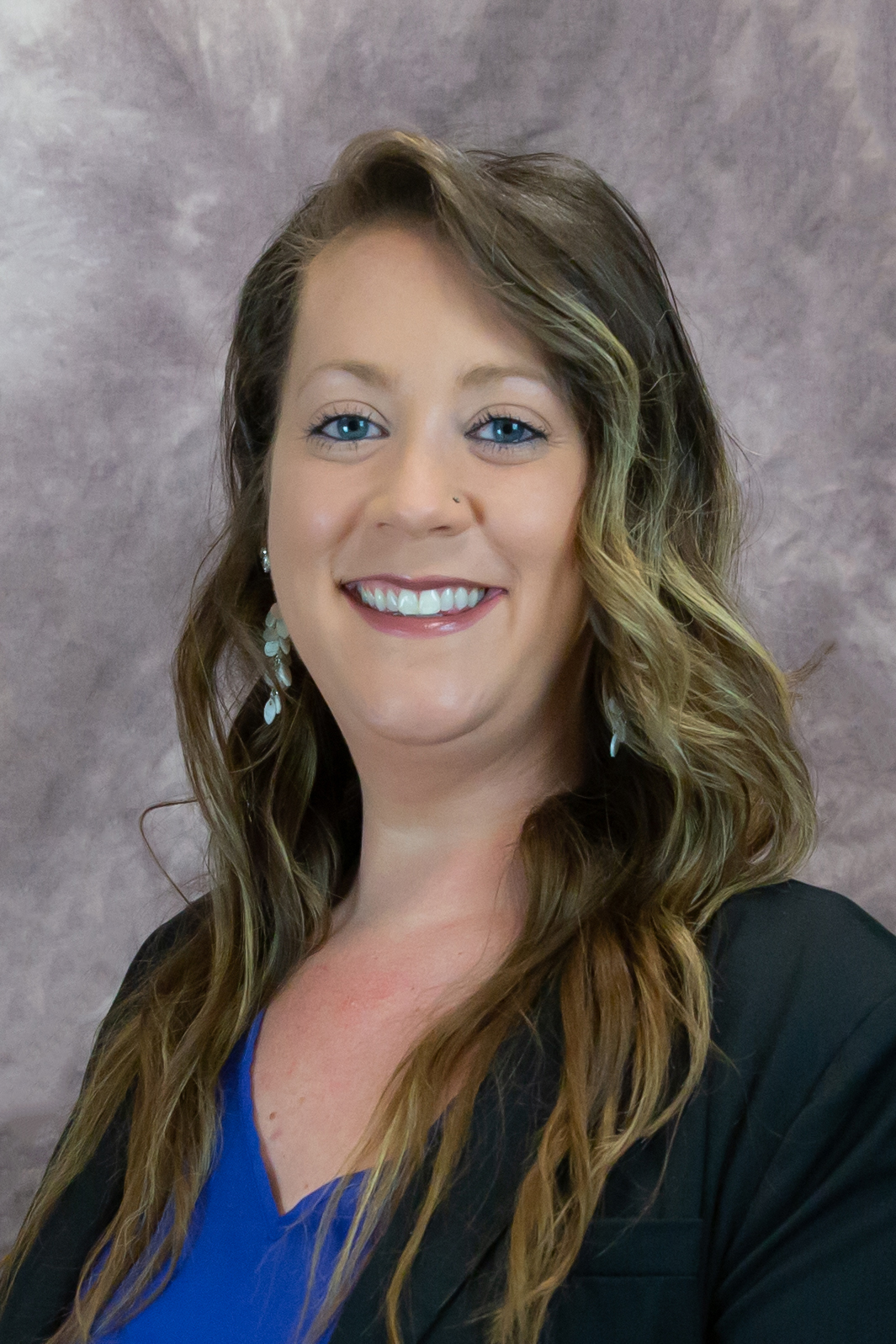
Kathy Welsh, BA
Financial Aid Counselor
Schedule an appointment here
Kathy_Welsh@bshsi.org
804-653-6047
Below is a video resource by Kathy Welsh, your Financial Aid Counselor
Welcome Session: June 9th or June 11th
Welcome session is an on-site event to kick-off your journey in the Nursing program at the College of Nursing.
- Location: BSMCON, 8550 Magellan Parkway, Suite 1100, Richmond, VA 23227
- What to Bring:
- Driver's license (or official ID)
- Clothes that are easy to change in/out of (for uniform try-on)
- Phone to keep track of passwords and to scan QR codes
- Vehicle information (license plate number, vehicle make and model)
- What to Expect: At Welcome Session , you will...
- Take a photo for your student ID badge
- Try on and place your order for your uniforms (You will be required to purchase 2 embroidered tops and 2 sets of pants. Your order will be placed with Scrubin with cost of approximately $125.00. there is the option of purchasing an embroidered snap front solid scrub jacket for $30.00).
- Fill out enrollment paperwork (BSMH Security Agreement, Student Clinical Agreement, Essential Standards & Policy Agreement, any outstanding enrollment items)
- Login to your College email
- Review FERPA permission in your Student Portal account
- Have the option to meet with your financial aid representative
- Review DISA CastleBranch MyCB requirements
- Provide your primary vehicle information
Campus Connections: August 5
Campus Connections is the last stop for your transition to campus. At this on-site event, we will prepare you for everything you need to confidently start your first week of classes.
- Time: 7:30 a.m. - 6:30 p.m. you will be assigned a time slot and will receive via email
- Location: BSMCON, 8550 Magellan Parkway, Suite 1100, Richmond, VA 23227
- What to Bring:
- Comfortable clothes for walking around campus
- An umbrella for walking between buildings (optional, if it rains)
- What to Expect: At Campus Connections, you will...
- Meet your future classmates and first semester practicum group
- Meet your Program Director & review program expectations
- Prepare for your first week with your student success adviser
- Tour campus
- Conduct final checks for financial aid and billing, Blackboard and online readiness, clinical compliance, and registration and records
IT Day: August 5
You will receive your BSMCON-issued laptop at this event and begin set-up for the device. This will also be when you get logged into all remaining school accounts, including ATI, Examsoft, Examplify, ADS, Blackboard, etc.
- Time: Between 8:00 a.m. - 6:00 p.m., you will be assigned a time slot and will receive via email
- Location: BSMCON, 8550 Magellan Parkway, Suite 1100, Richmond, VA 23227
- What to Bring:
- College email account long-in: usernames and passwords
- Nexus Student portal account username and password
- What to Expect: At your IT Session, you will...
- Set up your new BSMCON-issued laptop
- Create an ATI & Examsoft account
- Download Examplify
- Review remote testing guidelines
- Receive a direct login for your Blackboard account (for logging in on the app)
- Review Blackboard
- Login to your ADS account
- Receive your BSMCON-issued laptop
- Receive your student ID badge and parking pass
Contacts
Name + Title | Can answer questions about | How to contact |
| Julie Semo Student Onboarding Coordinator | Onboarding
| Julie_Semo@bshsi.org or set up phone call here |
| Student IT Support |
| CollegeITdirector@bshsi.org |
| Kathy Welsh Financial Aid Counselor |
| Kathy_Welsh@bshsi.org or Set up an appointment here |
| Harris King Busar |
| Harris_King@bshsi.org |
| Sarah Long, MSN, RN, CCRN Assistant Professor, Practicum Coordinator |
| Sarah_Long3@bshsi.org |
| Allison Peterson Manager, Career Services |
| Allison_Peterson@bshsi.org |
| Student Access & Accommodation Services |
| www.bsmcon.edu/student-access-and- accommodation-services-saas |
